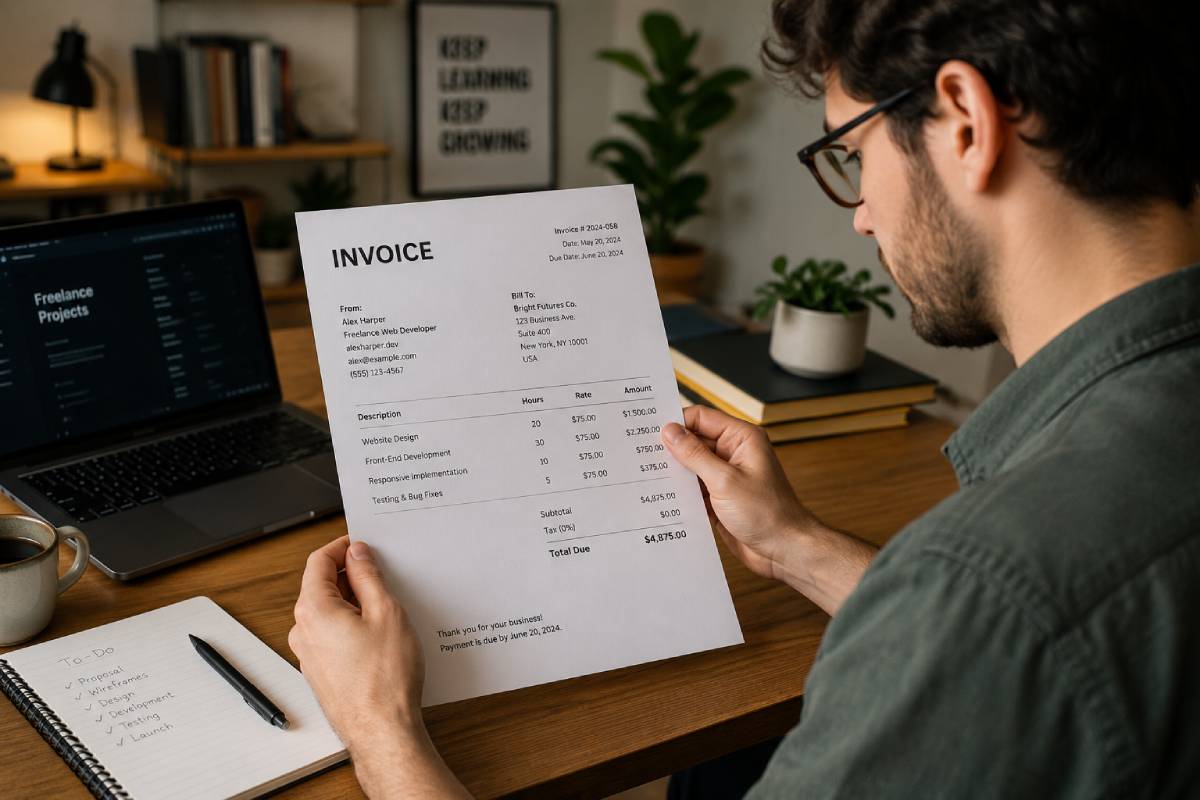
Freelancers wear many hats. One day you are doing client work, the next day you are chasing payments, sending follow-up emails, and trying to stay organized during tax season.
That is why choosing the right invoice software for freelancers can save hours every month and help you get paid faster. In this guide, we will look at what freelancers should look for in an invoicing tool, which features matter most, and why simple tools are often better than complicated accounting platforms.
Why Freelancers Need Invoice Software
Many freelancers start by creating invoices manually in Word, Google Docs, or Excel spreadsheets. That works for a while, but eventually it becomes difficult to manage:
- Tracking unpaid invoices
- Sending reminders
- Organizing clients
- Creating professional PDFs
- Keeping records for taxes
Good invoice software helps automate these tasks so freelancers can spend more time working with clients and less time doing admin work.
For freelancers who send invoices regularly, even saving 10–15 minutes per invoice can make a huge difference over the course of a year.
What to Look for in Invoice Software for Freelancers
Not every invoicing tool is built for freelancers. Some accounting platforms are designed for large companies and can feel overwhelming if you only need a fast way to send invoices.
Here are the most important features to look for:
Automatic Payment Reminders
Late payments are one of the biggest problems freelancers face.
Modern invoice software can automatically send reminder emails when an invoice becomes overdue. This helps freelancers follow up professionally without manually emailing clients every week.
Client Management
Freelancers often work with repeat clients. Good invoice software stores client information so you do not have to type the same details repeatedly.
This makes creating future invoices much faster.
PDF Downloads and Email Sending
Professional invoices should be easy to download and send.
The best tools generate clean PDF invoices and allow you to email invoices directly to clients from the platform.
TinyInvoice.app: Simple Invoice Software for Freelancers
TinyInvoice.app is designed for freelancers and small business owners who want a simple way to create and send invoices online.
With TinyInvoice.app, freelancers can:
- Create professional invoices
- Download PDF invoices
- Send invoices by email
- Track paid and unpaid invoices
- Automatically send overdue reminders
- Manage clients in one dashboard
Instead of trying to replace full accounting software, TinyInvoice.app focuses on making invoicing fast and simple.
For freelancers who mainly want to get paid faster without dealing with complicated accounting tools, that simplicity can be a major advantage.
Final Thoughts
Finding the right invoice software for freelancers can save time, reduce stress, and improve cash flow.
The best invoicing tools help freelancers:
- create professional invoices quickly,
- follow up on overdue payments,
- and stay organized without unnecessary complexity.
Whether you choose free invoice software or a paid solution, the goal should be simple: spend less time on admin work and more time doing your work.